Loading product…
02Website feedback & QA toolBeta
Black Notes
Black Notes lets clients comment directly on a live website, like sticky notes on the page, instead of emailing screenshots. Each note captures what a developer needs to fix it: a screenshot, the exact element, the browser logs and a replay of the session. Notes land on a shared board, and coding agents can pick them up too.
01Problem
The problem it solves
Website feedback usually arrives as an email with a screenshot and a line like "this looks broken on my phone". Before anyone can fix it, a developer has to work out which page, which element, which browser and what happened just before.
Black Notes puts the comment on the page itself and collects that context automatically. By the time the client presses save, the note already says where the problem is, what the browser was doing and how to see it happen again.
02How it works
Step by step
- 01
Load
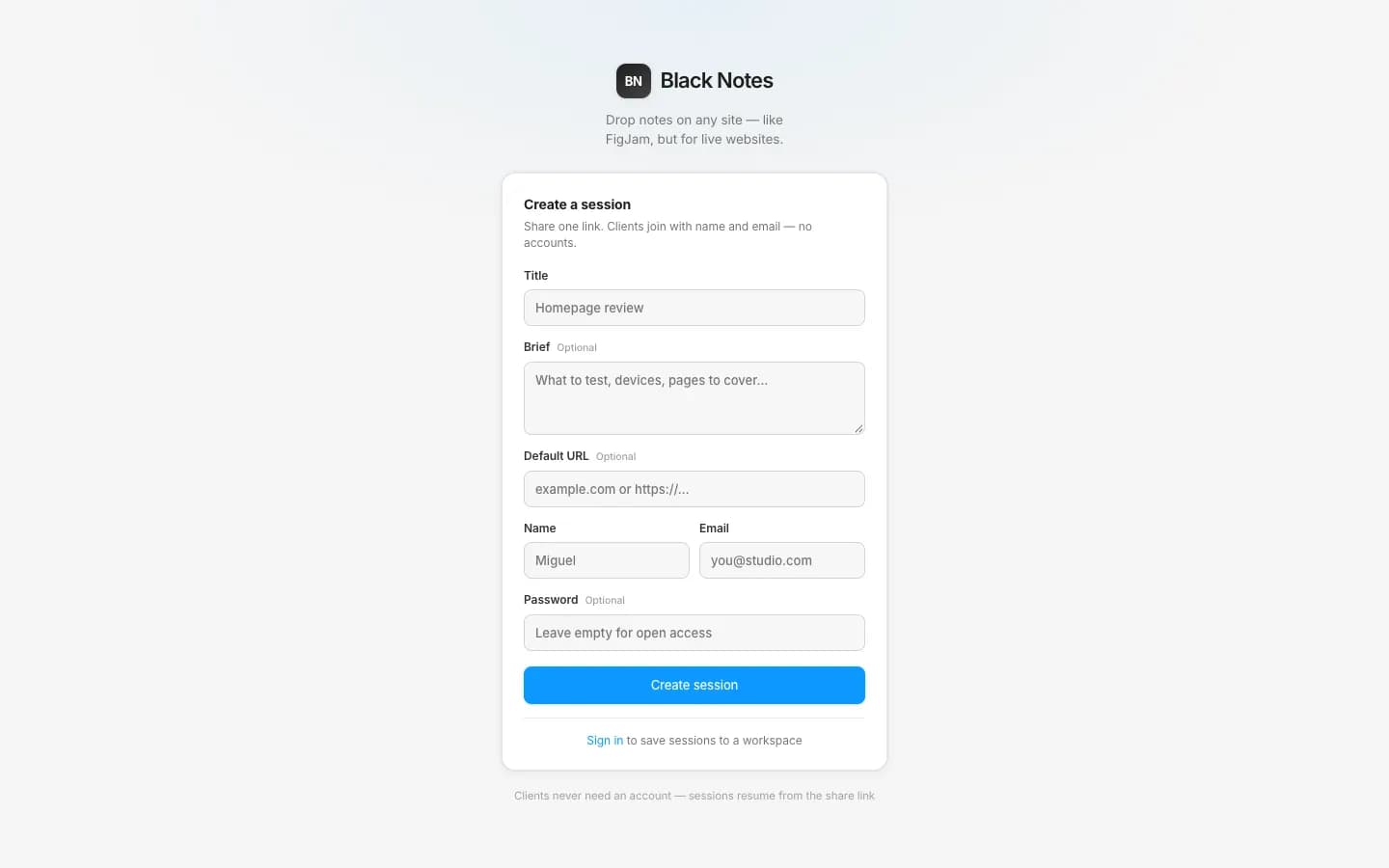
An editor creates a review session with a title, a brief and the site's address, then shares one link. Clients join with their name and email, without an account.
- 02
Pin
The client picks a screen size, switches to Comment or Highlight, clicks the thing that's wrong and writes the note right there.
- 03
Capture
The note saves at once. A screenshot, the element, the browser's console and network logs, the device and the moment in the session replay attach in the background.
- 04
File
Notes land on a shared board. The team assigns them, sets priorities, replies in threads and mentions each other.
- 05
Read
A developer, or a coding agent connected over MCP, opens the note with its evidence and watches the replay around it.
- 06
Resolve
Once it's fixed, the note gets a reply and moves to pending review or done, where the client can see it.
03Drawing
Drawn as a machine
A pinning gantry over a live page. Each pin is captured, filed on a board and piped to an agent. Each part of the drawing is a real part of the product. Hover or tap one to see what it does.
Part 03 / 08
Pin head
Drops a note on an element, with its selector.
Note 008 at x 0.85 · y 0.56
- Notes
- 007
- Open
- 01
- In progress
- 02
- Review
- 01
- Done
- 003
- MCP calls
- 027
- Replay
- 00:26
- Viewport
- 1440
04Features
Everything it does
Leave feedback
Clients comment where the problem is.
- Any live page
- Load a site through Black Notes at desktop, laptop, tablet or mobile size and comment on it.
- Highlight mode
- Hover or click an element to outline it, so the note points at exactly one thing.
- Staging and logged-in sites
- Everyone in a session shares the same cookies. For sites that can't load through Black Notes, a Chrome extension or an embed script records the real tab.
- Not only websites
- Pin notes on images and Figma imports, on a page of a PDF, or at a timestamp in a video.
- Versions
- Upload a new version and compare it side by side, stacked or overlaid.
Evidence on every note
What a developer would ask for, captured before they ask.
- Screenshot and element
- The view as the client saw it, plus the element's selector.
- Console and network
- Errors, logs and requests from the browser at that moment.
- Session replay
- Play the five seconds before the note and the fifteen after, or watch the whole session.
- Across sites
- The extension keeps one replay going through checkouts and sign-ins on other domains.
- Private by default
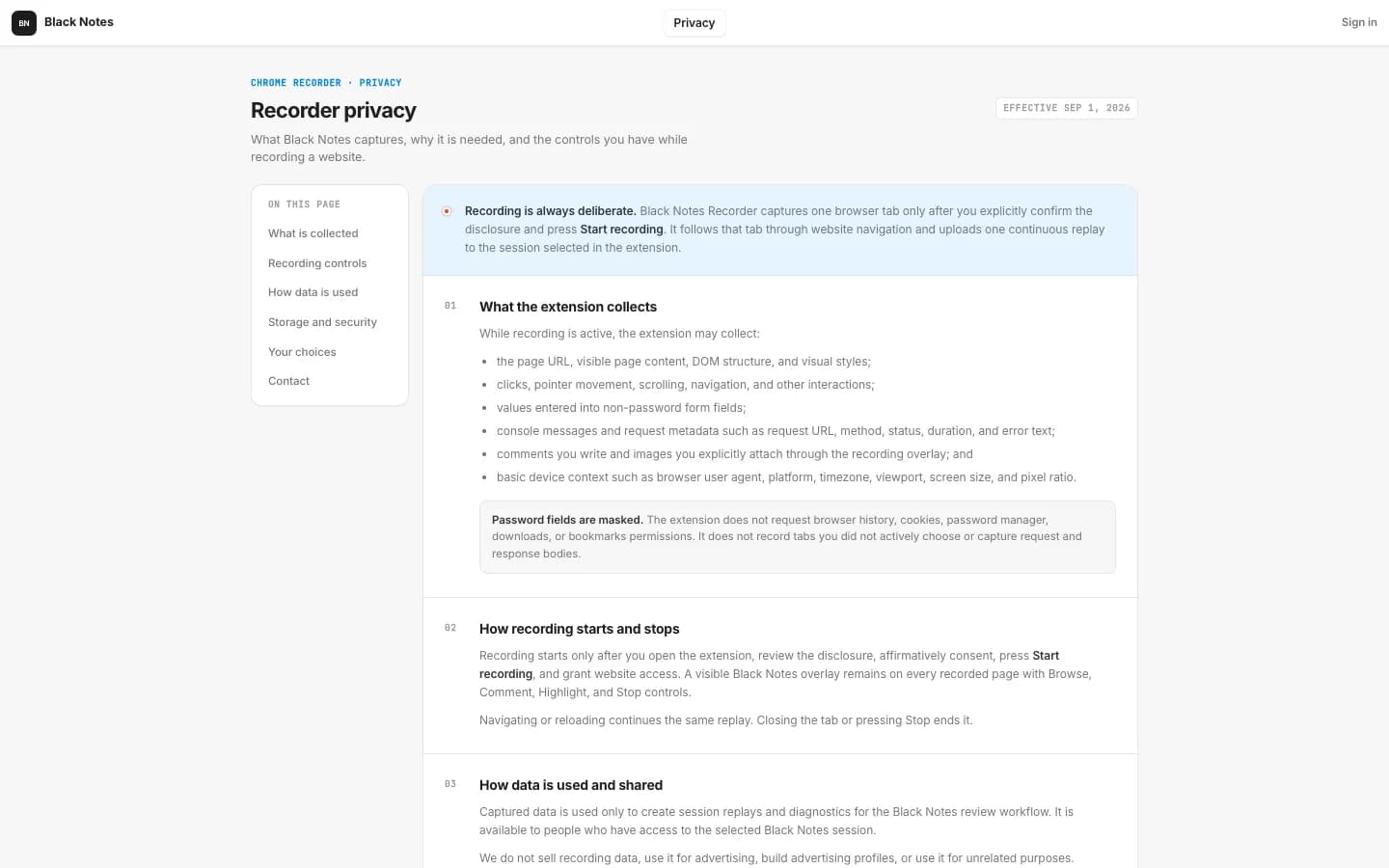
- Recording starts only after the person agrees, and password fields are always masked.
Work through it together
A board, not an inbox.
- Board
- Open, in progress, pending review and done, with your own columns if you need them.
- Priorities and owners
- Low to urgent, assigned to a person on the session.
- Threads
- Replies with attachments, @mentions and references to other notes.
- Mine
- One view with what's assigned to you, replies to you and notes that mention you.
- Live
- See who else is in the session, follow their cursor and watch notes appear as they're written.
- Trash
- Deleted notes and recordings can be restored for 30 days.
Coding agents
An AI teammate can read the review and report back.
- 21 MCP tools
- Agents read sessions, notes, screenshots and recording diagnostics, and can create notes, reply and resolve.
- Read-only by default
- Write access is something you turn on, not something you have to remember to turn off.
- Two ways in
- A personal token that acts as you, or a session link that posts as "AI agent".
- Readable diagnostics
- A recording becomes a timeline of console, network, navigation and clicks, without anything the person typed.
05Screens
The real thing
Captured from the live product. Click one to open the page it came from.
06Fit
Who it's for
Who it’s for
Agencies and studios reviewing sites with their clients. Editors pay; clients and reviewers join free, without an account.
What people use it for
- Design review
- Client sign-off
- QA before launch
- Content review
- Developer handoff
- Bug triage
Where it stands
BetaRunning at notes.blacknosaur.com. The Chrome extension isn't in the Web Store yet.
07Specification
The numbers
| MCP tools | 21 |
|---|---|
| Capture | Share link · extension · embed |
| Viewports | 1920 · 1440 · 768 · 390 |
| Targets | Web · image · PDF · video |
| Board columns | 4 default, custom allowed |
| Replay size | ≈ 10 MB per recorded hour |
| Recording retention | 30 days |
| Products used to build it |
|
08Questions
Straight answers
01Do clients need an account?
No. They open the share link and add their name and email. Clients and guest reviewers are free; only the people running reviews take a paid seat.
02Can it review a site that's behind a login?
Yes. A session shares cookies, so everyone sees the same logged-in page. For sites that can't load through Black Notes, the Chrome extension or the embed script records the real tab instead.
03What exactly gets recorded?
The page, clicks, scrolling, visited addresses, non-password form values, console messages and request details. Password fields are masked, request and response bodies are not captured, and nothing records until the person agrees.
04How do coding agents use it?
Connect any MCP client, Claude Code in one command, with a personal token or a session link. The agent lists open notes, reads the evidence and the replay, fixes the problem, replies and resolves the note.
05Can I review designs, not just websites?
Yes. Upload images or import a Figma section, pin notes on PDFs page by page, or on videos at a timestamp.